
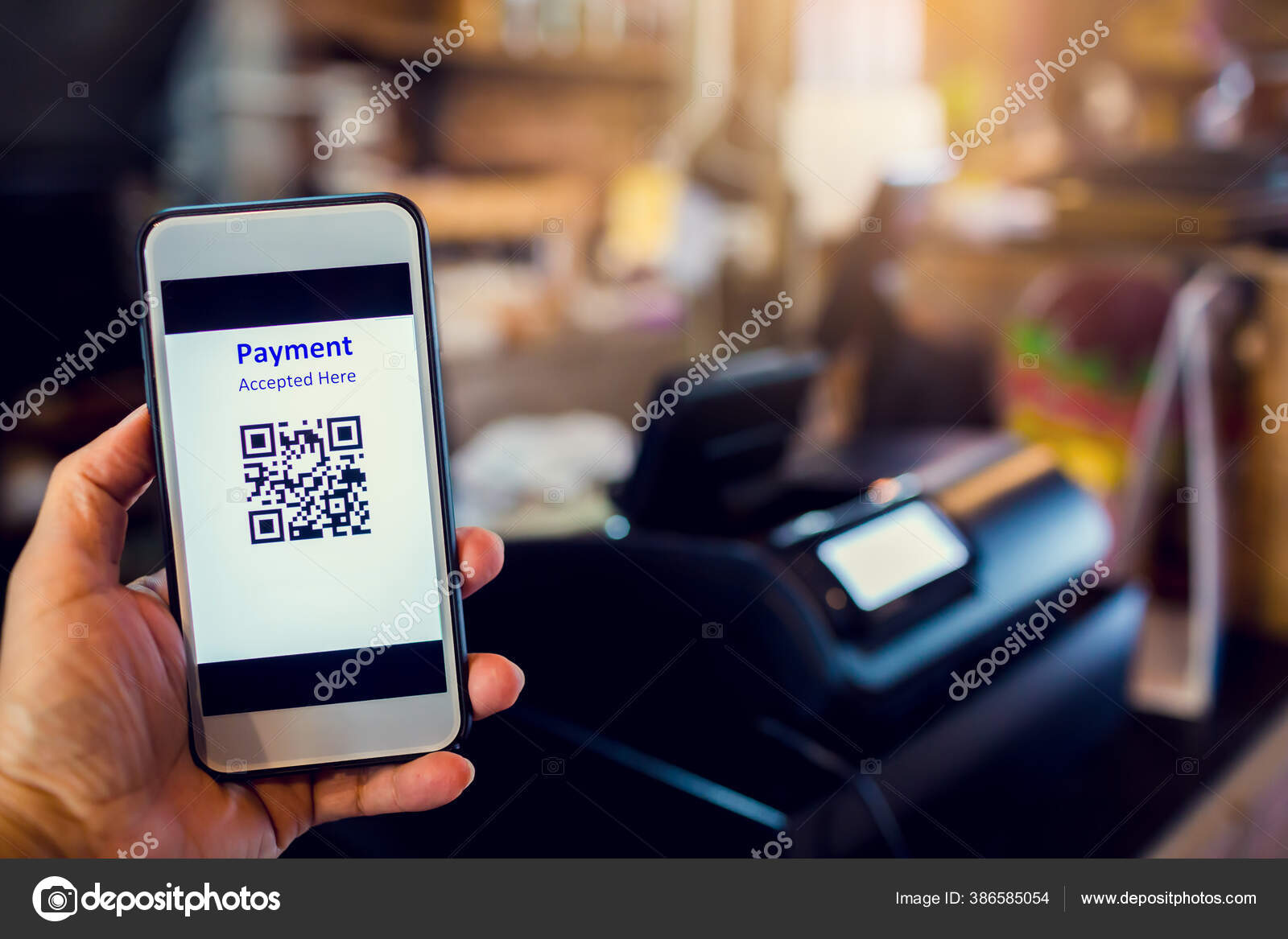
Depositing funds into your Jili77 account is instant with zero processing fees using GCash, Maya, or Philippine bank transfers. The minimum deposit is set at just ₱50, allowing flexible casual bankroll management.
GCash Cash In Step by Step Tutorial
Follow this standard payment protocol to guarantee immediate wallet crediting within 30 to 60 seconds:
Step 1: Log into your Jili77 account and tap the gold Deposit icon in the upper lobby.
Step 2: Select GCash Direct or GCash QR Pay as your preferred payment channel.
Step 3: Choose your desired deposit amount (e.g., ₱100, ₱200, ₱500, or custom amounts) and tap Submit.
Step 4: Screenshot the dynamically generated QR code and open your official GCash mobile app.
Step 5: Tap QR › Upload QR from Gallery, confirm the exact total, and tap Pay. Save the payment receipt screenshot.
Deposit Channels, Minimum Limits and Speeds
Screenshot Receipts and Missing Deposit Recovery
In rare circumstances where mobile network timeouts delay automated wallet crediting, save your GCash transaction confirmation receipt:
Reference Number: Locate the 13-digit GCash Reference Number (Ref No.) on your transaction slip.
Receipt Image: Keep an uncropped screenshot showing date, time, and exact amount transferred.
Live Support Upload: Tap the 24/7 Live Chat bubble, provide your username, and paste the screenshot for instant manual crediting.
Detailed Payment Method Comparison for Philippine Gamers
Choosing the right deposit channel depends on your preferred transaction speed, limits, and mobile habits.
Compare all integrated banking channels available in the Jili77 cashier:
Bank-Specific Transfer Walkthroughs: BDO, BPI, and UnionBank
If you prefer funding directly from your Philippine bank account, InstaPay provides real-time bank connectivity.
Select Bank Transfer in the cashier, copy the designated account details, open your BDO Online, BPI Mobile, or UnionBank app, and transfer funds via InstaPay for instant balance reflection.
Handling Delayed Deposits and SMS Verification Notices
While over 99% of transactions credit instantaneously, mobile network hiccups can occasionally delay push alerts.
Always keep your GCash or Maya transaction screenshot showing the unique Reference Number.
If your balance does not update within 3 minutes, share the screenshot with our 24/7 Live Support agents for immediate manual credit to your gaming account.
Responsible Gaming Tools and Deposit Limits
Disciplined bankroll management is the single most important factor in sustainable online casino play.
Set automated daily deposit limits in your profile to prevent impulse deposits during frustrating sessions.
Gambling is strictly restricted to Philippine adults aged 21 and older. Never wager money required for family needs or essential living expenses.
Detailed Step-by-Step Cashier Deposit Walkthrough
Funding your Jili77 gaming balance takes under two minutes through our automated cashier interface.
Follow these verified step-by-step procedures to complete your cash-in:
Step One: Access Cashier: Log into your Jili77 account and tap the green Deposit button at the top of your screen.
Step Two: Choose Gateway: Select GCash QR, Maya, or Bank Transfer via InstaPay.
Step Three: Designate Amount: Select a quick-denomination pill (₱100, ₱200, ₱500, ₱1,000, ₱5,000) or enter a custom amount.
Step Four: Authorize in E-Wallet: Open your GCash or Maya app, scan the dynamic QR code, and confirm payment with your MPIN.
Step Five: Play Immediately: Your gaming credits reflect within 15 to 45 seconds with 0% extra fees.
Bank-Specific Online Banking Procedures: BDO, BPI, and UnionBank
For larger deposits up to ₱50,000, direct bank transfers via InstaPay provide maximum security.
Select Bank Transfer in the cashier, note the receiving bank account number and bank name, open your online banking application, and complete the transfer via InstaPay.
InstaPay operates 24/7 with real-time settlement across all BSP-supervised banking institutions in the Philippines.
Troubleshooting Delayed Deposits and Reference Number Verification
If a deposit does not reflect in your account within two minutes, follow these simple verification steps:
Check E-Wallet Balance: Confirm that your GCash or Maya balance was deducted and that an SMS receipt was generated.
Locate Reference Number: Note the 13-digit Reference Number from your GCash SMS or in-app activity receipt.
Share with Live Support: Open our 24/7 live chat and provide your Reference Number for instantaneous manual credit within 3 minutes.
E-Wallet Limits by Bangko Sentral ng Pilipinas Verification Tiers
Ensure your personal GCash or Maya account verification tier provides sufficient transaction headroom.
BSP regulations establish clear monthly incoming and outgoing thresholds across account types:
Basic Unverified Wallet: Monthly transaction cap of ₱10,000. Upgrade to Fully Verified to prevent deposit holds.
Fully Verified Wallet: Monthly transaction ceiling of ₱100,000 with unlimited incoming transfers.
Upgraded Digital Banking Tier: Elevated monthly ceiling of ₱500,000, tailored for high-volume VIP casino players.
Transaction Ledger Auditing and Cryptographic Hash Proof
Every deposit at Jili77 produces an immutable cryptographic ledger entry tied to your unique user account ID.
In the rare event of a telecommunication delay, our financial operations team can verify transaction settlement instantly using your payment reference hash.
Enjoy peace of mind knowing that every peso you deposit is tracked with enterprise accounting accuracy and zero hidden deductions.
Responsible Gaming and Daily Spending Safeguards
Disciplined bankroll management is the single most important factor in sustainable online casino play.
Set automated daily deposit limits in your profile to prevent impulse deposits during frustrating sessions. Adult players aged 21 and older only.
Offline Cashier Locations: TouchPay, Pay&Go, and ECPay Terminals
If you prefer loading cash into your digital wallet physically, thousands of automated kiosk terminals operate across the Philippines.
TouchPay kiosks, Pay&Go terminals, and ECPay outlets located in 7-Eleven, Ministop, and supermarkets allow instant cash loading into GCash or Maya.
Once your mobile wallet is loaded with cash, open the Jili77 cashier and deposit via dynamic QR code in under 30 seconds with 0% extra fees.
Deposit Security: SSL 256-Bit Protection and Encrypted Cashier Gateway
Every financial exchange at Jili77 is protected by enterprise-grade cryptographic security.
All cashier data transfers employ TLS 1.3 encryption protocols that guard sensitive player information against unauthorized interception.
Enjoy complete financial confidence knowing that your deposits are processed through direct BSP-supervised banking routes with full audit accountability.
Reference Number Tracking and Transaction Discrepancy Protocol
Every electronic transfer through Philippine banking channels generates a unique 12-digit to 16-digit reference number.
Always capture a screenshot of your successful transaction receipt from GCash, Maya, or online banking before closing the confirmation window.
In the rare event that national network clearing delays postpone your credit, providing this reference code to live support expedites manual reconciliation in under three minutes.
Our automated payment gateway cross-checks reference receipts directly with partner bank settlements to guarantee that zero funds are lost during peak network hours.
Deposit Processing Timeframes and Verification Summary
Digital e-wallet deposits via GCash and Maya credit immediately upon successful QR payment verification.
Direct online bank transfers typically clear within two to five minutes under normal clearing network conditions.
Our customer support agents remain available around the clock to assist with any payment queries or reference reconciliation.
Frequently Asked Questions
How long does a GCash deposit usually take to show in my balance?
Can I deposit using a friend or relative's GCash account?
What should I do if my GCash is deducted but my game balance is zero?
Is there an extra charge or convenience fee for depositing?
Do deposits automatically trigger the 100% welcome bonus?
Fund Your Account and Start Playing